AutoSugar
Blood glucose monitoring for Android Auto — see your Nightscout CGM data at a glance, right on your car’s display.

Features
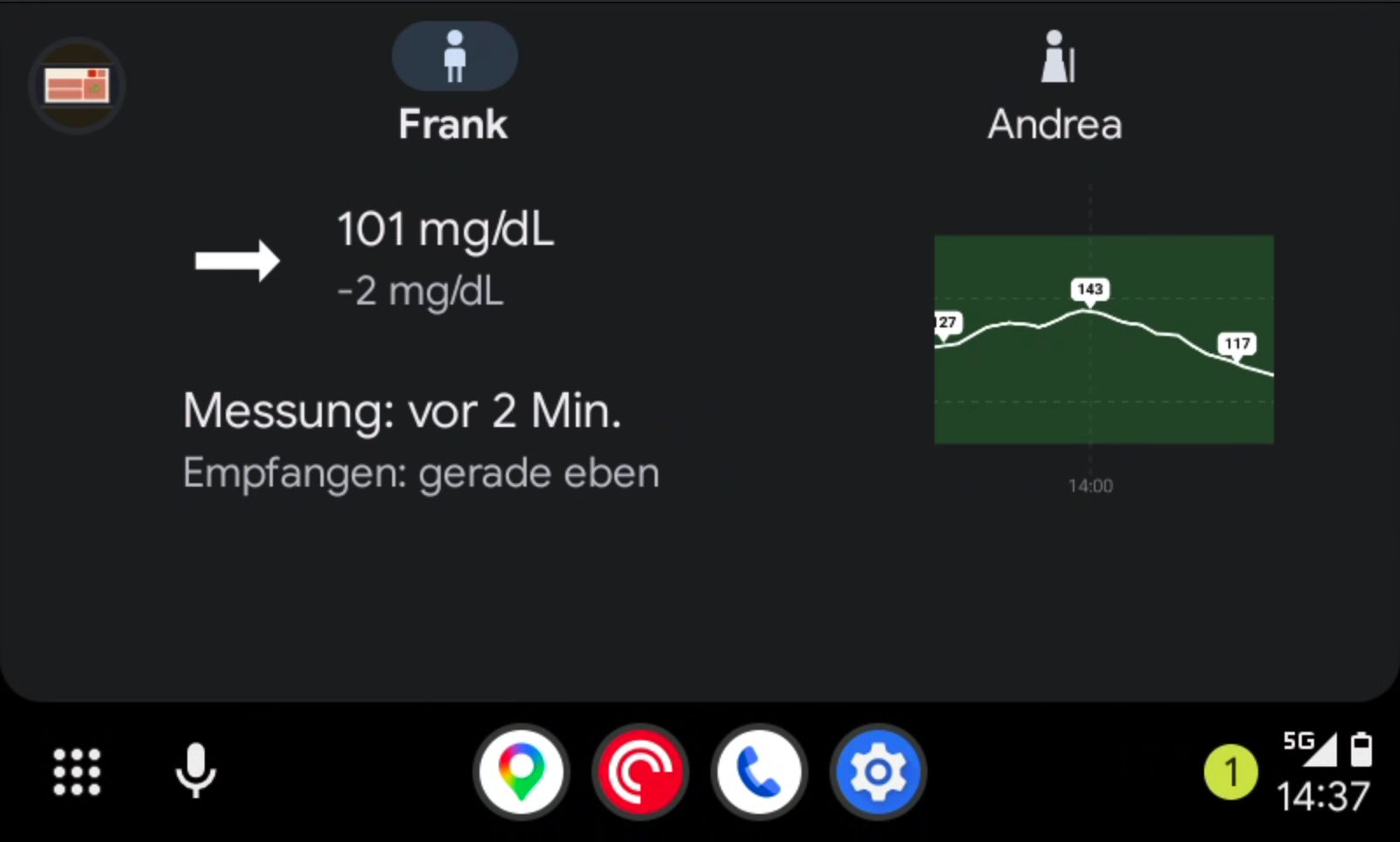
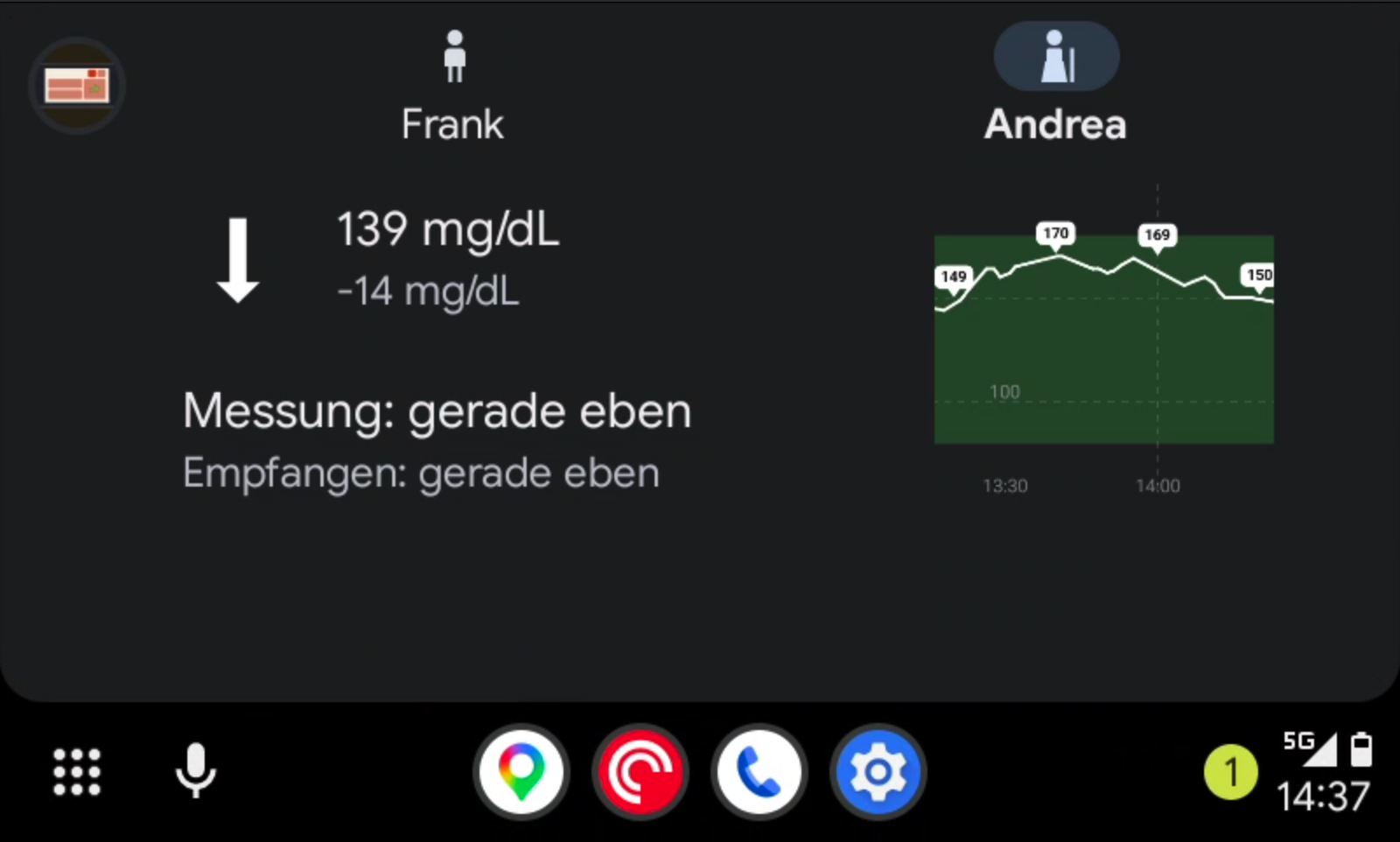
- Monitor one or multiple Nightscout sources (e.g. yourself and your children)
- Current glucose value, trend arrow, and delta
- Configurable glucose alerts
- Available in English, German, Spanish, French, Dutch, Italian, Portuguese, Arabic, Japanese, Chinese, and Hindi
Configuration
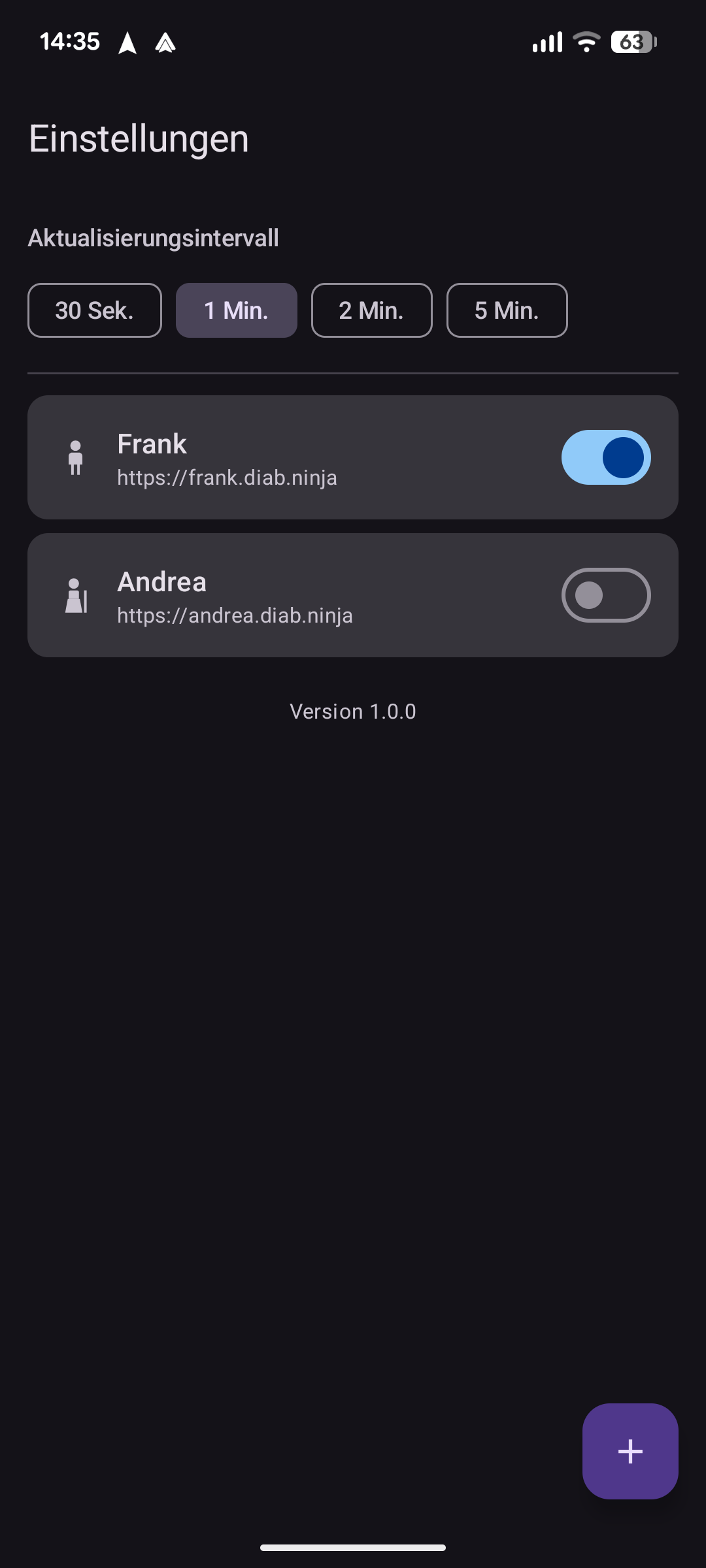
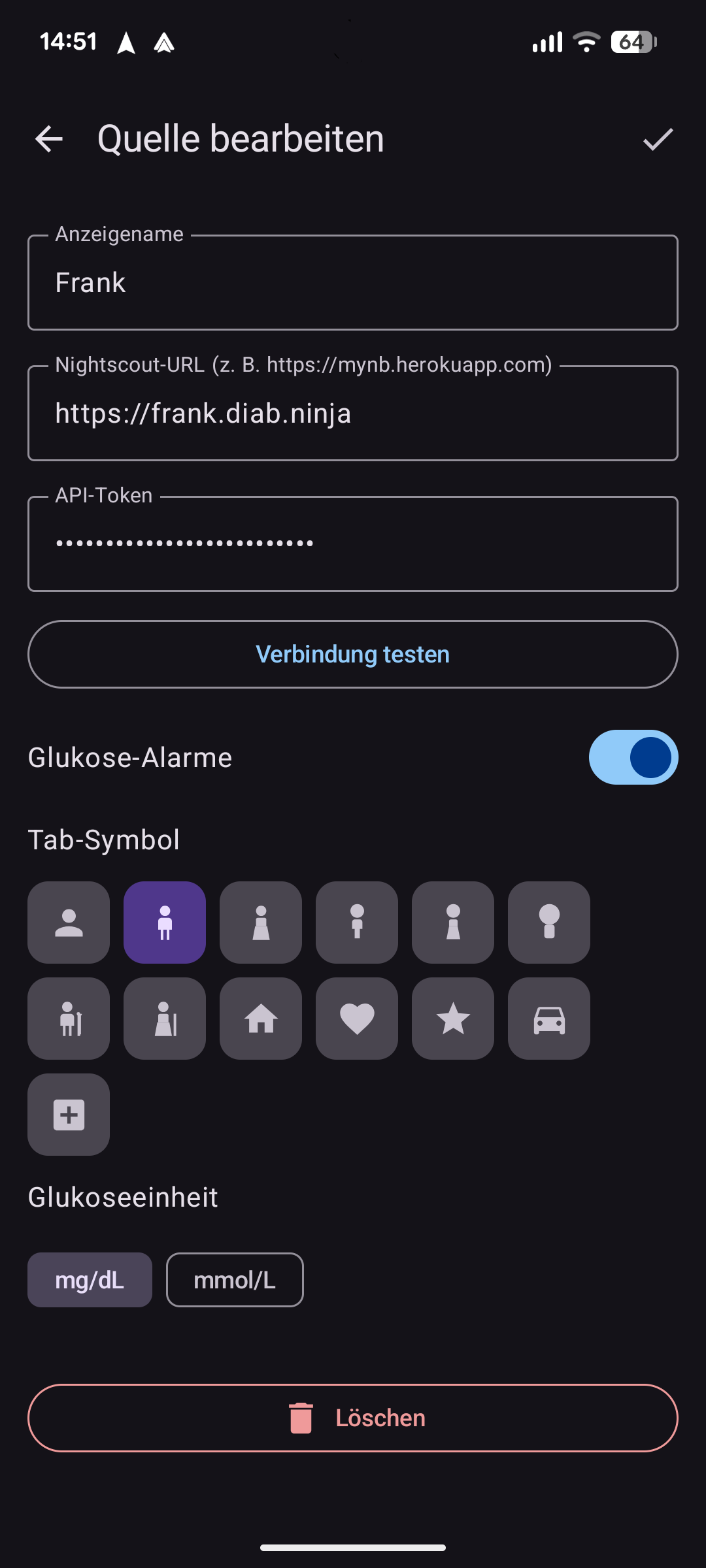
- Open AutoSugar on your Android phone and tap Add profile.
- Enter your Nightscout URL (e.g.
https://yoursite.herokuapp.com) and an optional display name. - If your Nightscout instance requires authentication, enter your API secret.
- Set your preferred glucose unit (mg/dL or mmol/L) and alert thresholds.
- Connect Android Auto — AutoSugar will appear in the app launcher on your car’s display.
You can add multiple profiles to monitor different Nightscout sources (e.g. one for yourself and one for your child). Use the profile list in the app to switch or reorder them.
Source code
Open source — find the code and report issues on GitHub.